Online gaming performance depends on more than just skill. Your internet speed, latency, and connection stability can greatly affect how smoothly games run.
Many gamers focus on improving their mechanics or strategies. However, your internet connection and gaming setup also play a major role.
Whether you play casually or compete online, improving your setup and internet connection can reduce lag and improve your reaction time.
In this guide, we share 10 essential gaming tips. In addition, we explain why fiber internet is one of the best connections for online gaming, especially for players in rural areas.
Table of contents
10 Tips to Improve Your Online Gaming Experience
There are several ways to improve gaming performance. Some involve upgrading your setup, while others focus on improving your internet connection.
Let’s explore the most important tips.
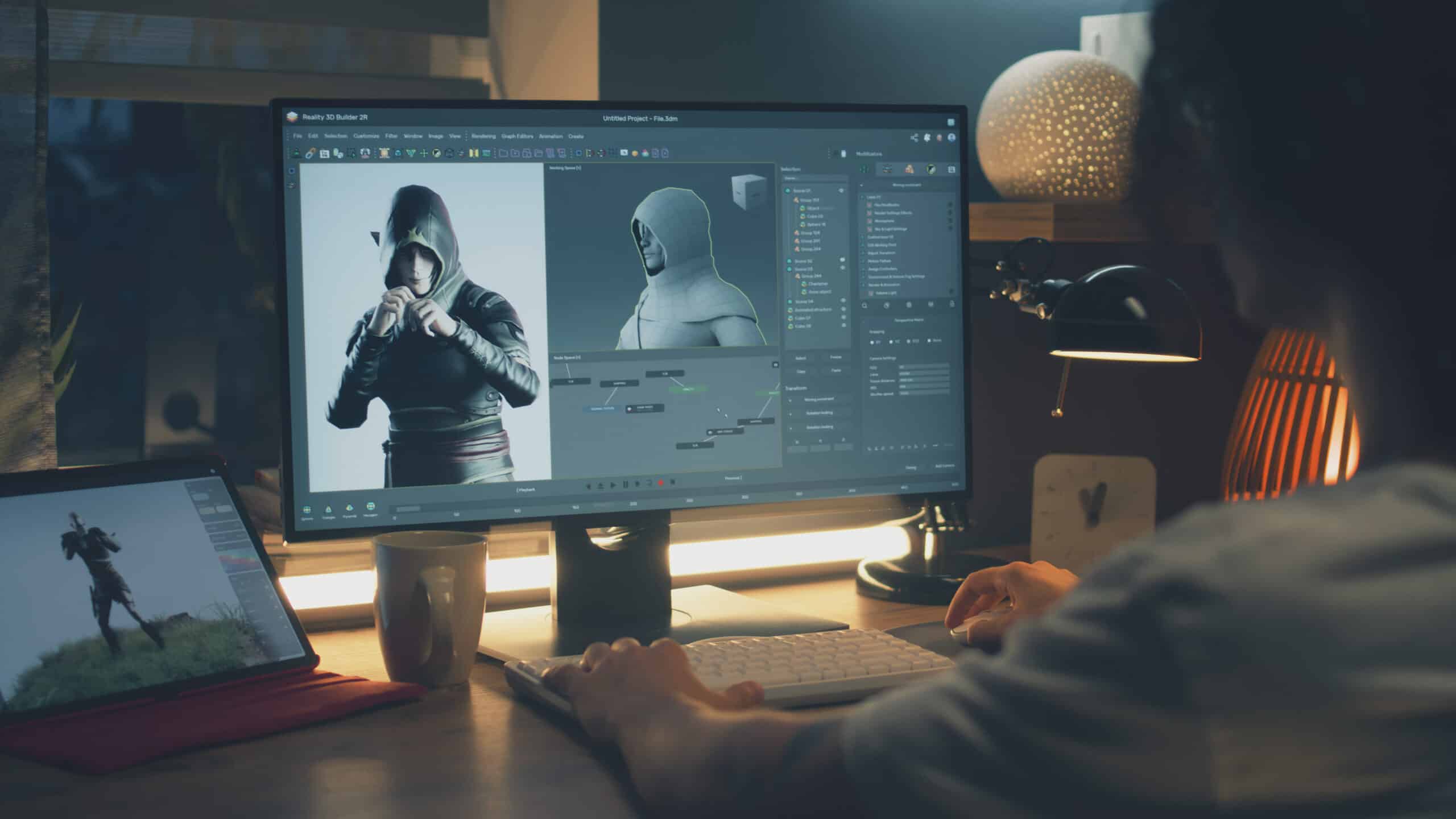
1. Build the Right Gaming Setup
Your gaming setup is your command center. Therefore, investing in the right hardware can significantly improve performance.
For example, consider upgrading:
- Graphics card
- Gaming monitor
- Keyboard and mouse
- Gaming headset
In addition, a comfortable gaming chair can help you stay focused during longer sessions.
2. Learn the Game Maps and Mechanics
Every game has unique mechanics and strategies. Therefore, learning the maps and understanding how the game works can give you a competitive advantage.
For example, many professional players study maps to learn:
- common enemy positions
- strategic locations
- best movement paths
As a result, they react faster during matches.
3. Practice Consistently
Practice is essential for improving your skills. Over time, repetition builds muscle memory.
For instance, practicing aiming or movement regularly helps your reactions become automatic. Eventually, your performance will improve without even thinking about it.
4. Stay Calm During Competitive Matches
Gaming can be intense. However, staying calm is essential for making smart decisions.
When players become frustrated, they often make mistakes. On the other hand, calm players remain focused and strategic.
Therefore, take breaks if needed and reset your focus between matches.
5. Communicate With Your Team
Team communication is essential in multiplayer games.
For example, using voice chat or in-game pings allows teammates to coordinate strategies.
Good communication helps teams:
- plan attacks
- warn teammates
- share information quickly
As a result, teamwork becomes much more effective.
6. Optimize Your Internet Connection
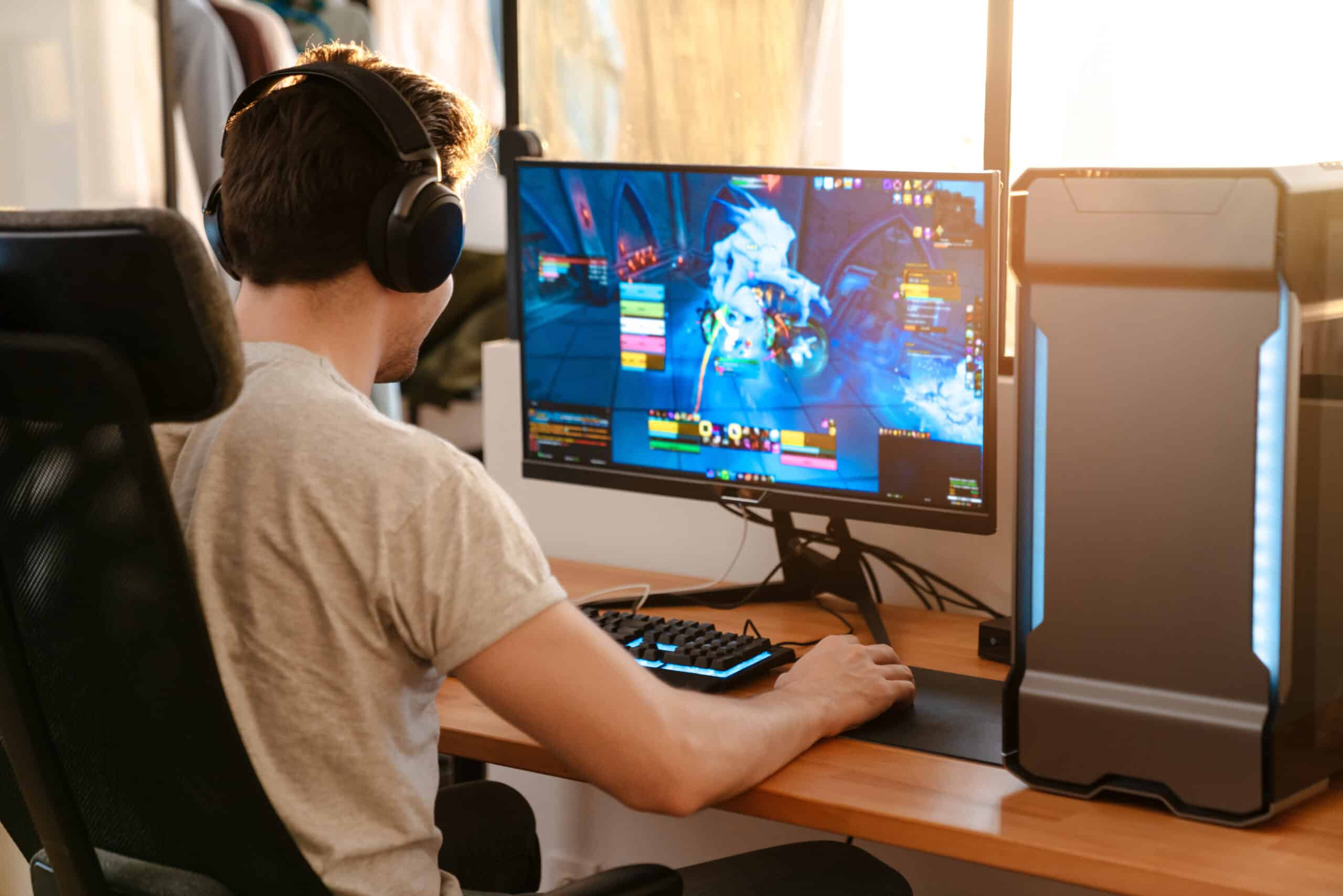
Your internet connection is one of the most important factors in online gaming.
A slow or unstable connection can cause:
- lag
- delayed responses
- disconnections
However, a fast and reliable connection ensures smooth gameplay.
Fiber internet is especially beneficial because it provides lower latency and more stable speeds.
7. Review Your Gameplay
Many professional gamers review their gameplay recordings. This helps them identify mistakes and improve their strategies.
For example, watching replays can reveal:
- positioning errors
- missed opportunities
- inefficient strategies
As a result, players can improve faster.
8. Keep Your Gaming Hardware Updated
Gaming technology evolves quickly. Therefore, keeping your hardware updated ensures better performance.
Older hardware may struggle with newer games. Meanwhile, newer equipment often provides improved graphics and faster response times.
9. Join Gaming Communities
Gaming communities can be valuable learning resources.
For example, forums and online groups allow players to share strategies and experiences.
In addition, watching experienced players can help you learn new tactics.
10. Remember to Have Fun
Finally, remember that gaming should be enjoyable.
While improving skills is rewarding, enjoying the experience helps maintain motivation. Therefore, focus on having fun while improving your gameplay.
Best Internet Speeds and Ping for Gaming
Internet speed is an important factor in online gaming. However, latency and stability are even more critical.
Recommended gaming internet benchmarks include:
Download speed: 50–100 Mbps
Upload speed: 10–20 Mbps
Ping: under 30 ms
Jitter: as low as possible
A stable connection ensures smooth gameplay and reliable communication during matches.

Why Fiber Internet is Best for Online Gaming
Fiber internet offers several advantages for gamers.
First, it provides lower latency than cable or DSL connections. As a result, actions in games respond faster.
Second, fiber internet offers faster upload speeds. This helps multiplayer communication and streaming.
Finally, fiber connections are typically more stable, which reduces lag spikes and connection drops.
For gamers in rural areas, fiber internet can significantly improve the overall gaming experience.
Upgrade Your Gaming Internet with SwoopFiber
Ready to upgrade your gaming experience?
Get faster speeds, lower latency, and reliable fiber internet built for online gaming.
1-877-SWOOP-IT | 1-705-806-7976
info@swoopfiber.com
swoopfiber.com
Play faster. Game smarter. Win more with SwoopFiber.